Cybercriminals are imitating emails from real business partners and providers more convincingly than ever – and their methods are becoming increasingly sophisticated. We explain how to reliably identify fake emails, what domain spoofing is, and what to do in an emergency.
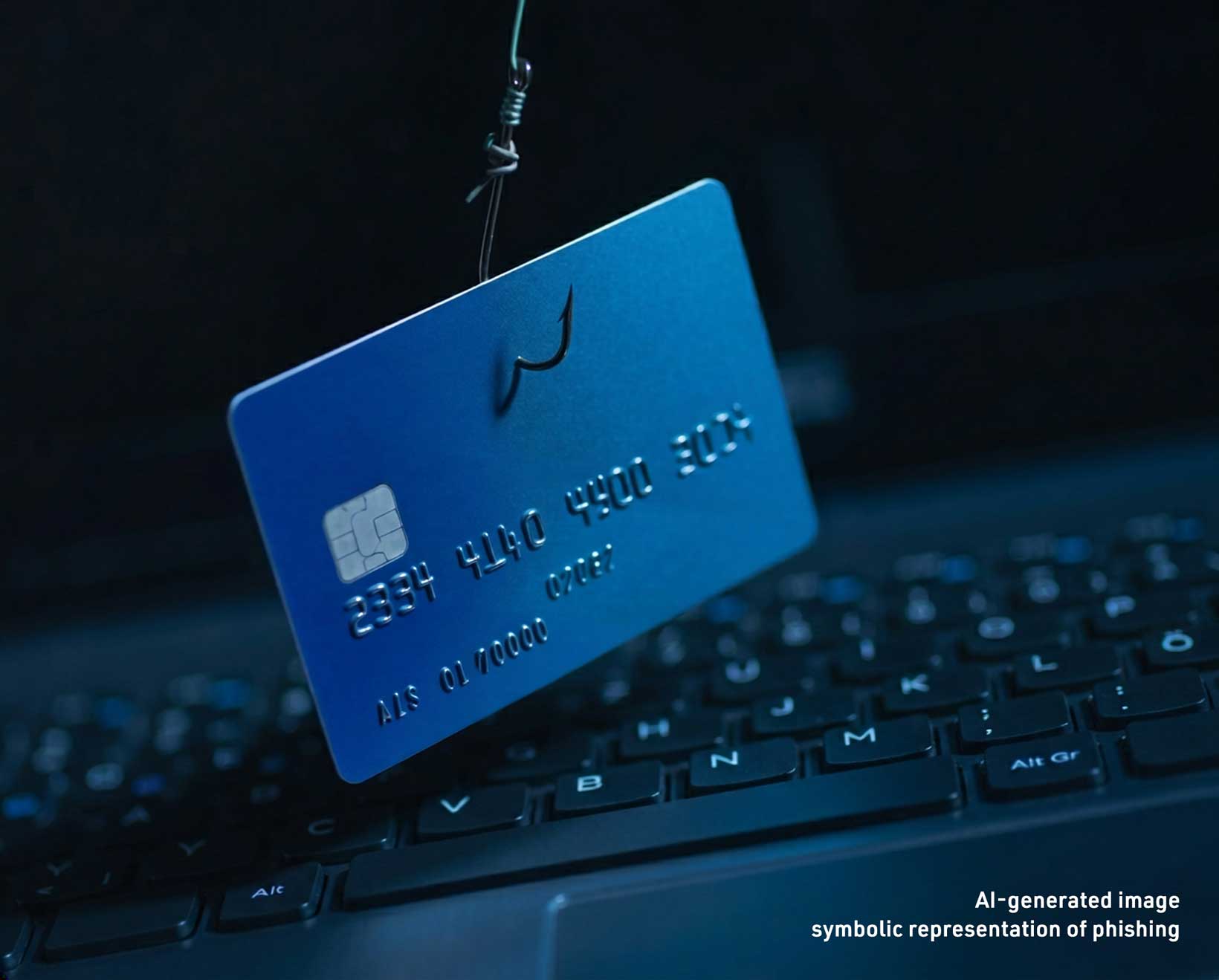
Phishing emails are no longer a rarity – and they are becoming increasingly professional. Instead of obvious fakes, deceptively authentic messages are now landing in inboxes that appear to come from your bank, your parcel service, or your hosting provider. This article explains how phishing works, how criminals get hold of your address, which new tricks are currently being used – and how to distinguish real emails from fake ones.
One question customers sometimes ask us is: “If I receive a phishing email pretending to be from you – does that mean you have a data protection issue?” The short answer: no.
Fraudsters use a simple method: publicly accessible tools can be used to identify which IP addresses belong to which hosting provider. Anyone operating a website is publicly visible through their IP address in public registries. This makes it possible to determine who is hosting with which provider. The email address itself is often easy to guess: almost every company has an info@address.
A data leak on our side (or that of another service provider) is not necessary for this type of phishing – nor is it the cause. This is a general problem within the email ecosystem, not a specific security issue with your provider.
How can you distinguish a phishing email from a legitimate one? Many phishing emails reveal themselves through a combination of different characteristics. Watch out for these typical warning signs:
From: support@your-hoster-online.net ⚠ WRONG DOMAIN
To: info@your-company.com ⚠ NOT YOUR CONTACT ADDRESS
Subject: Your hosting package is expiring – act now!
Your hosting contract will expire in 24 hours. To avoid an interruption to your website, please click the following link immediately and confirm your payment details:
⚠ URGENCY
https://confirm-payment.com/ac...
⚠ EXTERNAL DOMAIN!
This is where things become a bit more technical – and that is important in order to understand it properly: there are now phishing emails in which the sender address appears completely legitimate at first glance. They actually display the provider’s real domain. This is known as email spoofing.
The email protocol was originally developed without strict sender verification. If a mail server is not configured correctly – using the protection mechanisms SPF, DKIM, and DMARC – attackers can send emails that display any sender address in the “From” field, including your own or that of your provider.
Since 2025, this attack method has become significantly more common. These emails appear to be internal or official messages because the sender and recipient domains seemingly match.
One of the most insidious forms of domain abuse is the so-called IDN homograph attack (also known as Punycode phishing). Attackers register domains that look deceptively similar to the real thing — by replacing individual letters with visually near-identical characters from other alphabets. A lowercase "a", for example, can be substituted with a Cyrillic "а". To the human eye, the difference is invisible — but technically, it's an entirely different domain.
This is how keyweb.de could become кeyweb.de — with a Cyrillic "к" in place of the Latin "k". Browsers and email clients sometimes display such domains in their encoded form (known as Punycode, e.g. xn--eyweb-xta.de), but sometimes render them in their deceptively authentic-looking form instead.
What you can do: If you're unsure whether a link really leads to our domain, copy it and paste it into your browser's address bar — without clicking it. Many browsers will then display the Punycode representation, which immediately exposes a fake. When in doubt, always type the address manually.
With every suspicious email – even if the sender address appears legitimate – you should check the other indicators: the recipient address, greeting, destination link, and the content of the request. A spoofed email can fake the sender address, but not your real customer relationship. So please also trust your instincts when it comes to this topic. If something feels wrong, there is usually a reason for it.
If in doubt: call us or log in directly to your customer account through your browser – without using the link in the email.
If you are unsure whether an email is genuine: Do not click any links and do not open any attachments. Type the address of the customer portal manually into your browser’s address bar, or contact our support team directly.
If you have already clicked on a link or entered data, act immediately: Change any affected passwords, inform your bank if payment details were involved, and report the incident. If you suspect a serious issue, the BSI (Bundesamt für Sicherheit in der Informationstechnik – German Federal Office for Information Security) provides guidance and resources at bsi.bund.de.
Even if you fall for a phishing link and enter your password, you can still protect yourself — provided your account is secured with Multi-Factor Authentication (MFA) or Two-Factor Authentication (2FA). When logging in, a second factor is required in addition to your password, such as a one-time code from an authenticator app or sent via SMS.
Even if attackers have your password, they cannot log in without this second factor. MFA is therefore one of the most effective safeguards against the consequences of a successful phishing attack.
Our recommendation: Enable MFA wherever it is offered — especially for your hosting account, your email accounts, and any services through which sensitive data or payments are processed. In your Keyweb customer centre, you can activate two-factor authentication in your account settings.
Phishing is not caused by data leaks at your provider. Fraudsters guess addresses using publicly available sources.
Do not only pay attention to the sender address, but also check which address the email was sent to – if it was not sent to your registered contact address, this is a clear warning sign.
Advanced attacks using domain spoofing can even imitate the correct sender domain – in that case, check all other indicators carefully. If in doubt: log in directly, never through the link provided in the email.
Also enable two-factor authentication for your customer account — it keeps you protected even if a password ever falls into the wrong hands.

Read our white paper to find out how you can create a reliable safety net for your valuable data – and protect your business from the serious consequences of data loss.
Look forward to practical questions, a helpful checklist, and concrete use cases – so you can make well-informed decisions about your data backup strategy.
You agree to the processing of your data for the purpose of sending the newsletter. You can withdraw your consent at any time, for example by using the unsubscribe link in the newsletter. You can find detailed information on the processing of your personal data in our Privacy Policy under point 16.